The whole panel, in four pages
Every setting goes through a trusted Linux tool (KWin, Hyprland, LACT, Proton, DXVK…): Last1 Panel brings them together in a single window, in English and French.
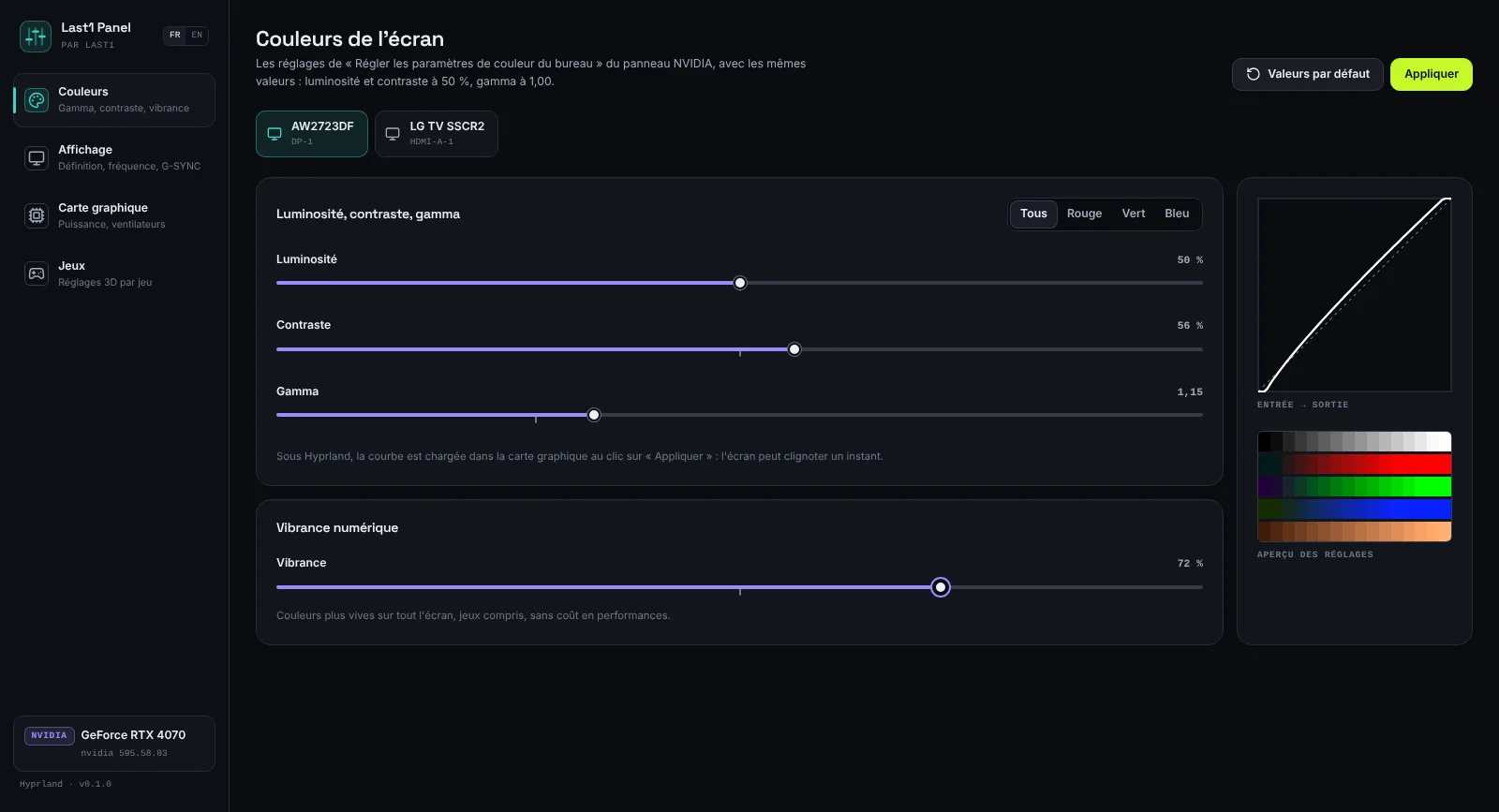
Screen colours
Brightness, contrast and gamma per screen and per channel, with the Windows values: 50%, 50%, 1.00.
Digital vibrance
More vivid colours across the whole screen, games included, at no performance cost (NVIDIA cards).
Display
Resolution, refresh rate, scale, rotation, G-SYNC and FreeSync, HDR, 10-bit. A change must be confirmed, otherwise the screen goes back.
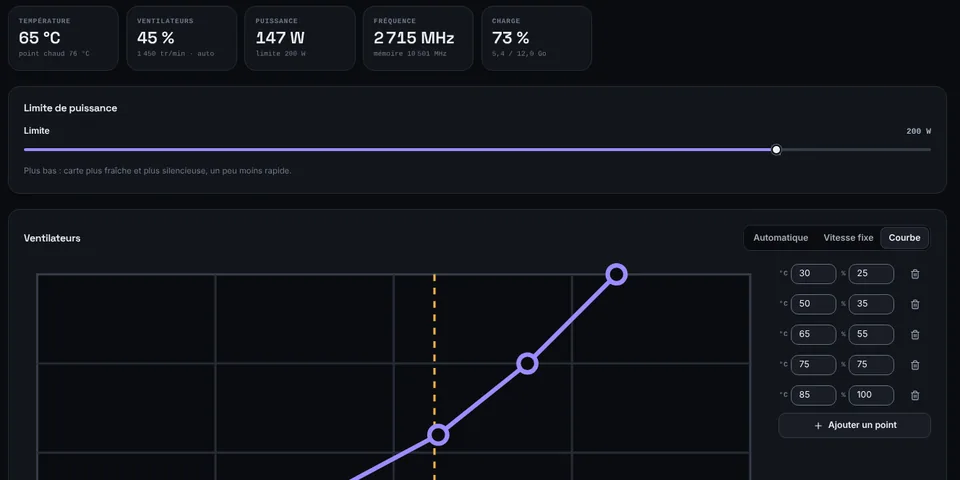
Graphics card
Power limit, automatic, fixed or curve-based fans, clock offsets, live readings.
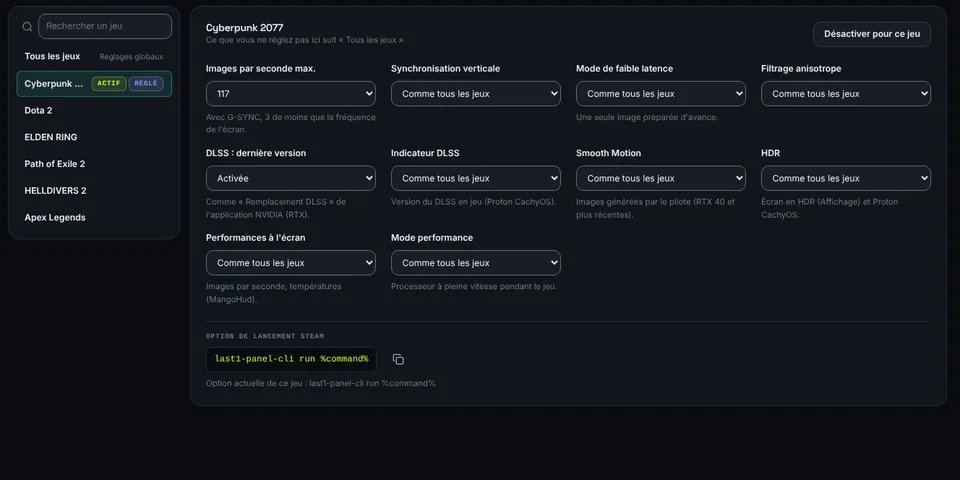
3D settings per game
Frame rate limit, V-Sync, low latency, anisotropic filtering, latest DLSS, Smooth Motion, HDR, on-screen performance.
Always applied
Your settings come back at every start-up and whenever a screen is plugged in again, without reopening the window.
Requirements
Last1 Panel comes installed, with LACT for the graphics card, and updates itself: nothing to do.
Hyprland or KDE Plasma 6 desktop. Download the AppImage and open it: Last1 Panel installs itself, like SoundFence.
With an NVIDIA card, no tool can set RGB or YCbCr, full or limited range, or overscan today.
Still on Windows?
go-to-linux installs CachyOS alongside Windows without losing your games, with Last1 Panel ready to use. Coming soon.
Frequently asked questions
Is it really free?
Yes: Last1 Panel is open source software (GPL-3.0), downloadable without an account. Its code is public on GitHub.
Do I get my Windows settings back?
The sliders use the same scales as the NVIDIA Control Panel: enter your values again (gamma 1.10, vibrance 70%…) and the screen looks the same.
What about an AMD or Intel card?
Colours, display, graphics card and game settings work too. Vibrance, DLSS and Reflex are NVIDIA-only.
Can a setting break anything?
Display and graphics card changes are tried out first: without confirmation, everything goes back to the previous settings on its own. Your original colour profile comes back with “Defaults”.